


开发者 bilibili 主页 https://space.bilibili.com/311706663/upload/video
cursor助手下载地址 : https://github.com/leookun/cursor-byok/releases
项目介绍
Cursor助手 是一个基于 Wails v3 构建的跨平台桌面应用程序,为 Cursor IDE 提供本地代理服务。它的核心功能是通过 MITM(中间人代理)拦截 Cursor 的 API 请求,并支持 BYOK(Bring Your Own Key)模式,允许用户使用自己的 AI 模型 API 密钥。
软件架构
┌─────────────────────────────────────────────────────────────────┐
│                        Cursor IDE                               │
└─────────────────────────┬───────────────────────────────────────┘
                          │ HTTP/HTTPS 请求
                          ▼
┌─────────────────────────────────────────────────────────────────┐
│                    MITM Proxy Server                            │
│                  (127.0.0.1:18080)                              │
└─────────────────────────┬───────────────────────────────────────┘
                          │
          ┌───────────────┼───────────────┐
          │               │               │
          ▼               ▼               ▼
   ┌────────────┐  ┌────────────┐  ┌────────────┐
   │  Direct    │  │   Relay    │  │  Self-Impl │
   │  Forward   │  │  Gateway   │  │   Model    │
   └────────────┘  └────────────┘  └────────────┘
          │               │               │
          ▼               ▼               ▼
   ┌────────────┐  ┌────────────┐  ┌────────────┐
   │  Cursor    │  │  Cursor    │  │  OpenAI /  │
   │  Server    │  │  Server    │  │  Anthropic │
   └────────────┘  └────────────┘  └────────────┘
软件使用
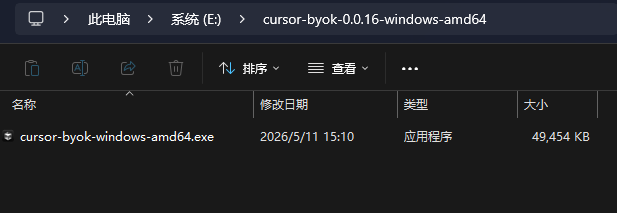
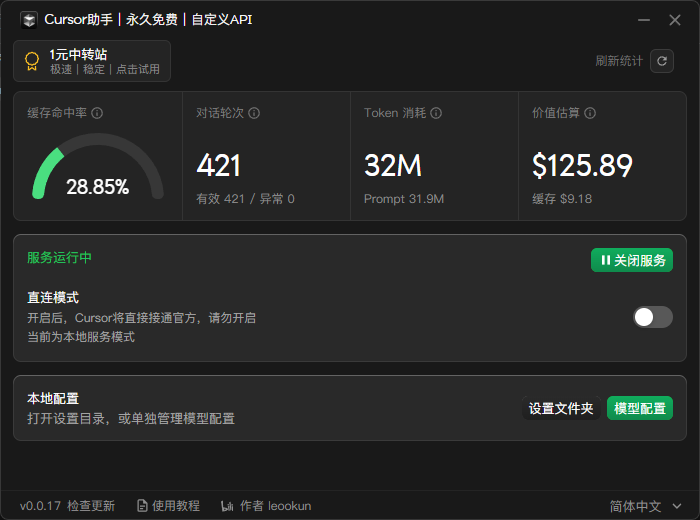
1.下载后解压,双击目录中的软件:
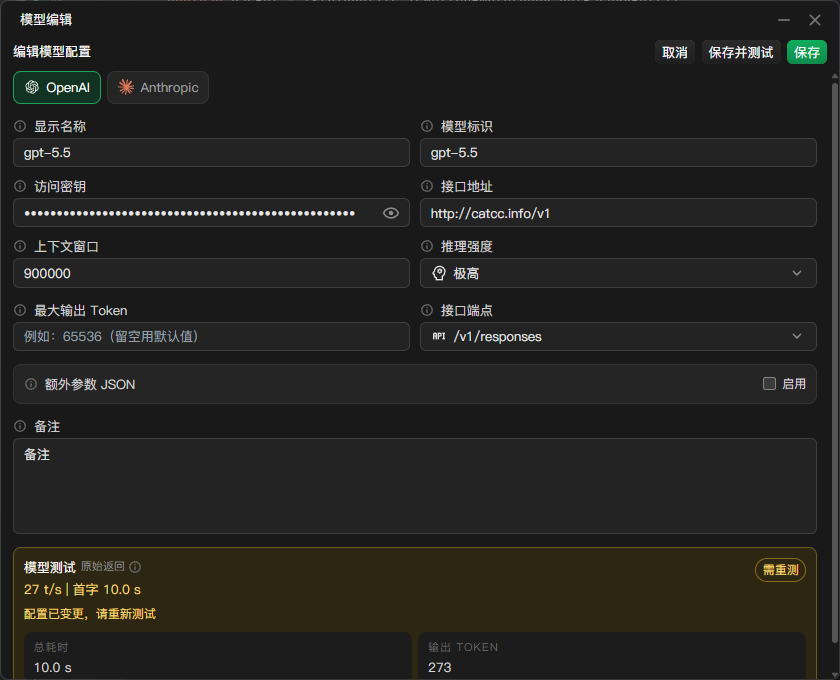
2.配置模型
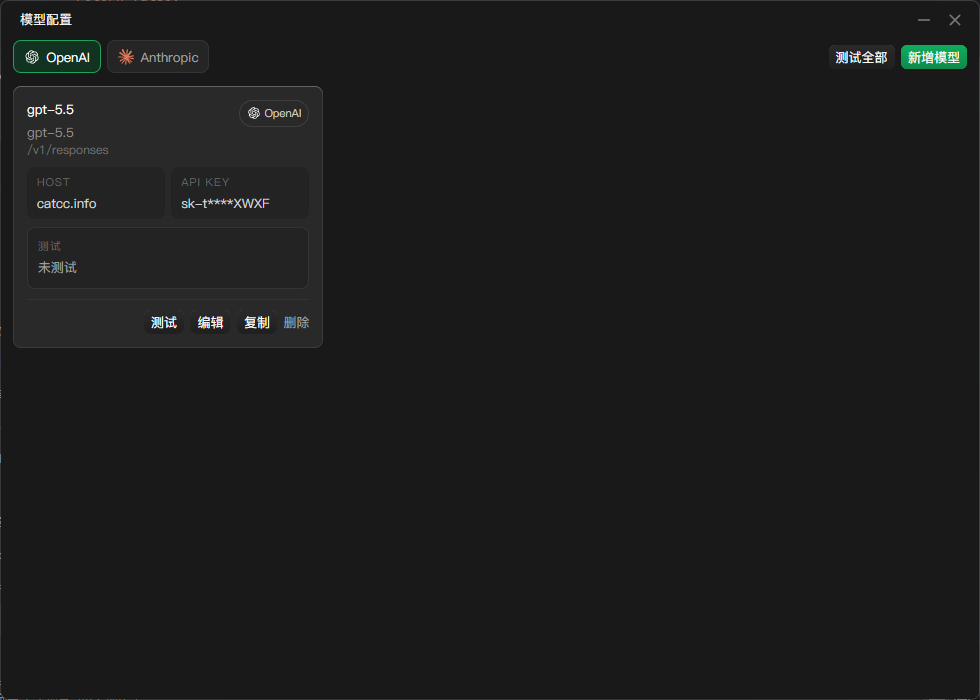
根据catcc.info平台的对应的分组令牌,可以接入openai协议或者anthropic协议的模型,openai协议的接口地址需要增加一个/v1
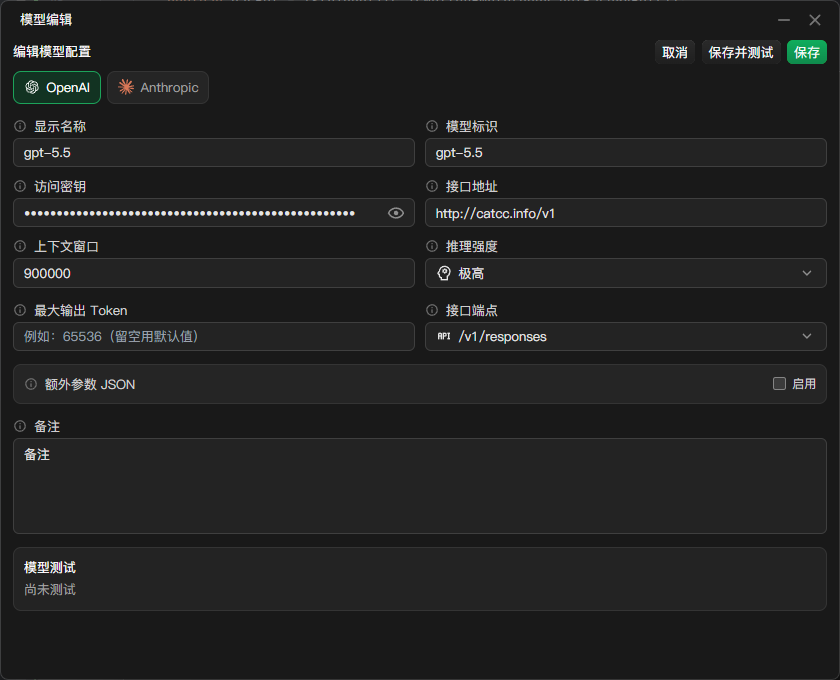
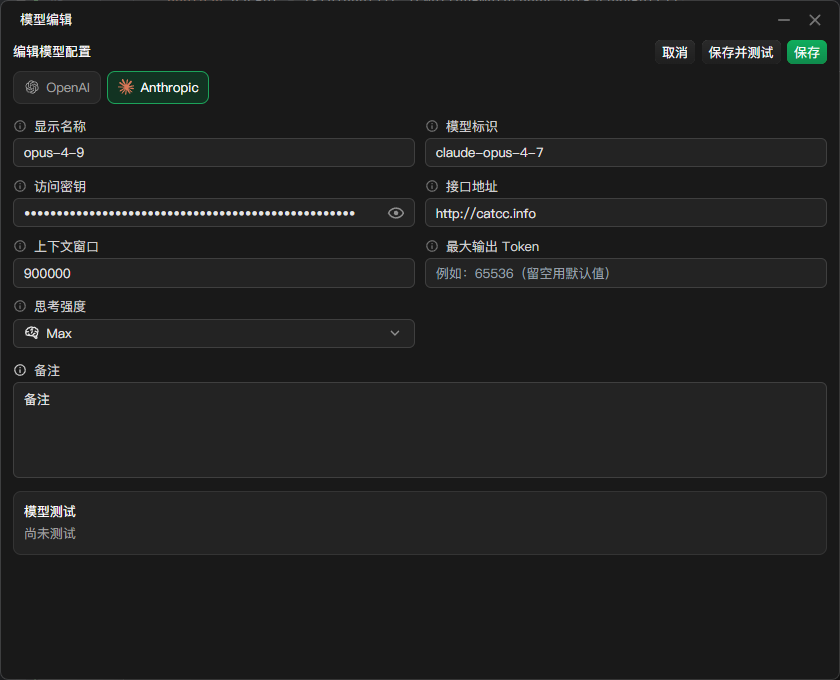
点击保存并测试,即可测试api接口连通性
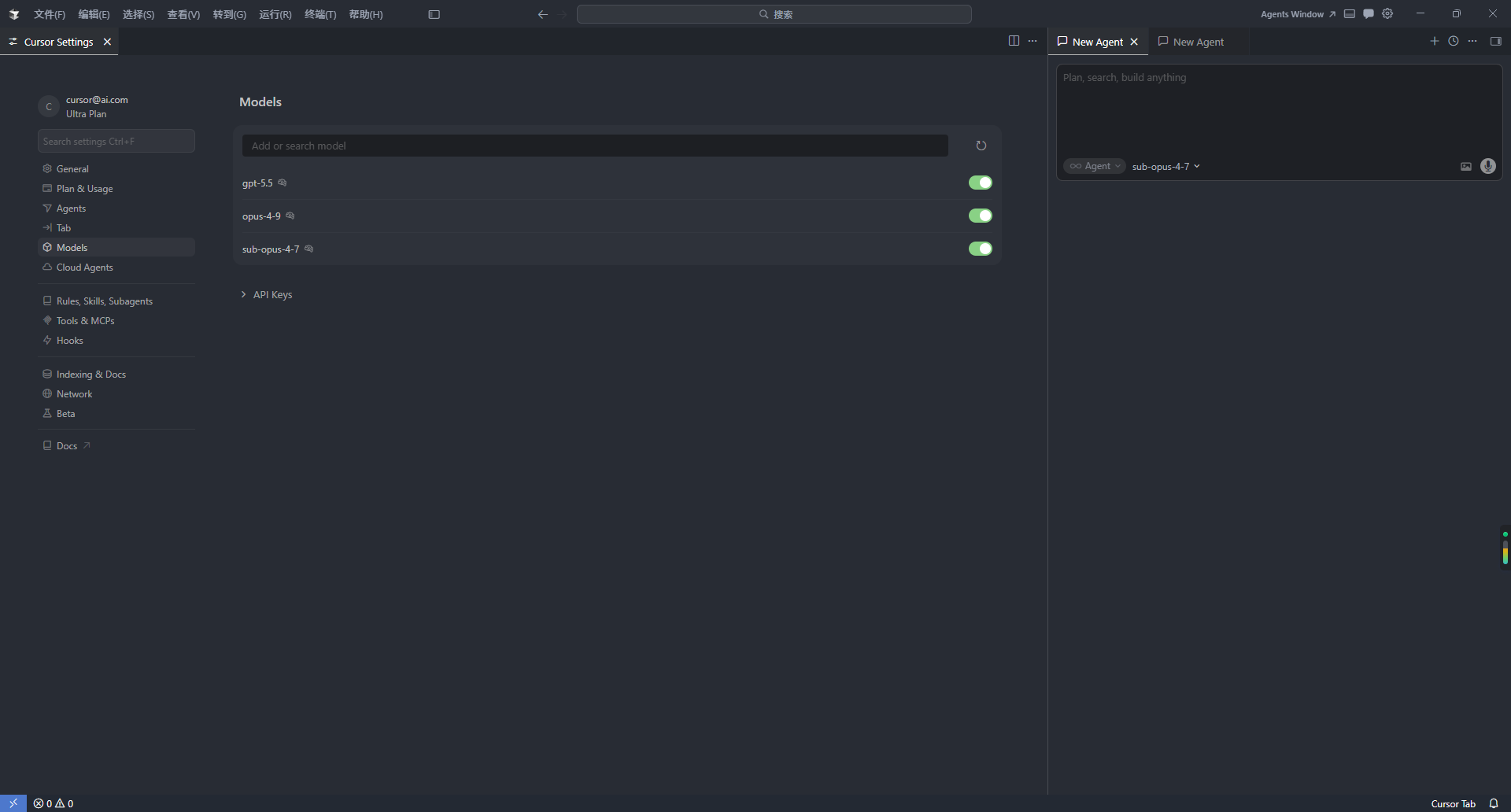
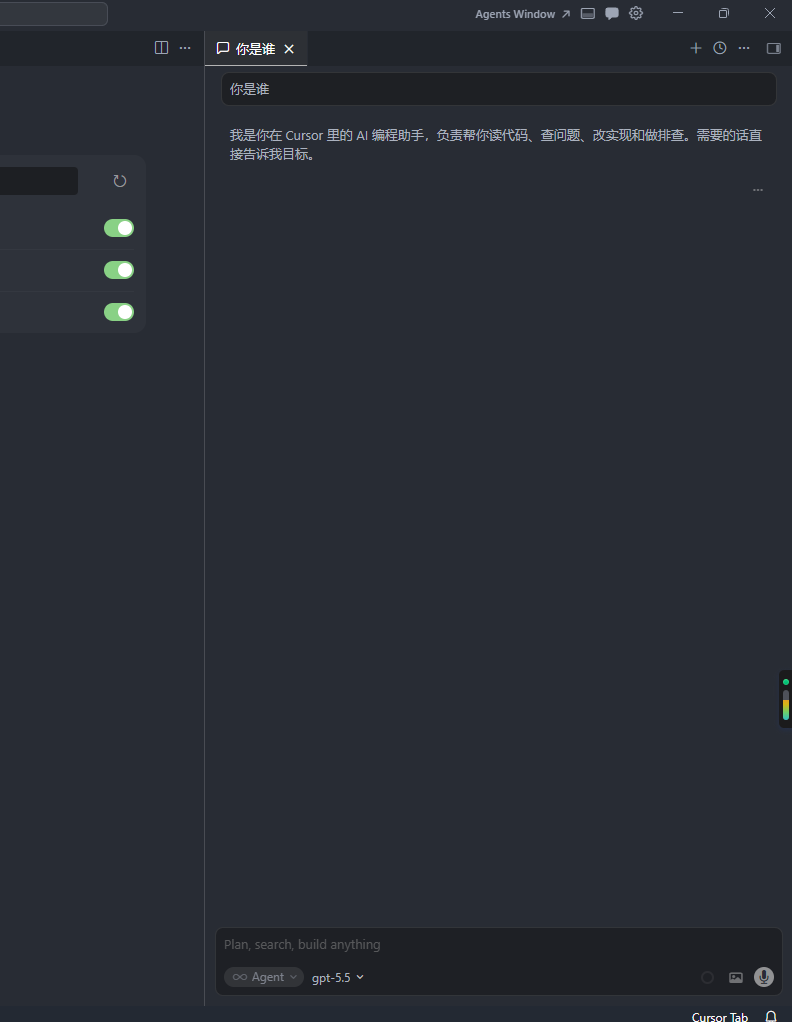
3.cursor中使用
若右侧聊天框没有出现对应的模型选项或添加了模型,可以在models配置中刷新
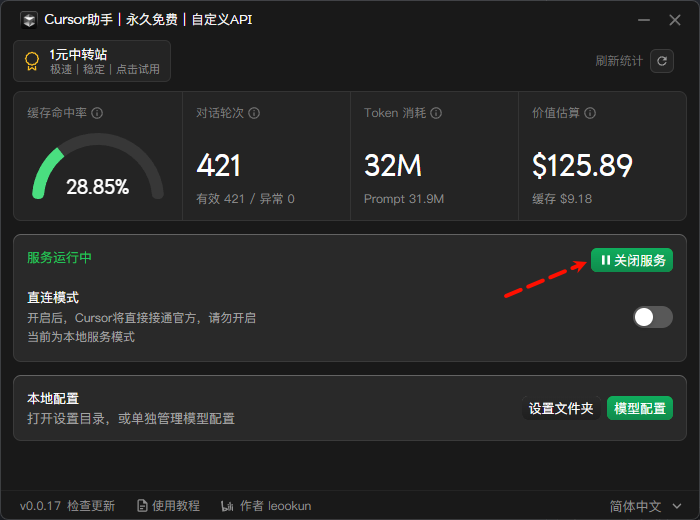
4.关闭cursor助手的代理
点击关闭服务即可关闭cursor助手的代理
原创
第三方中转api接入cursor
本文采用 CC BY-NC-SA 4.0 许可协议,转载请注明出处。
评论交流
欢迎留下你的想法